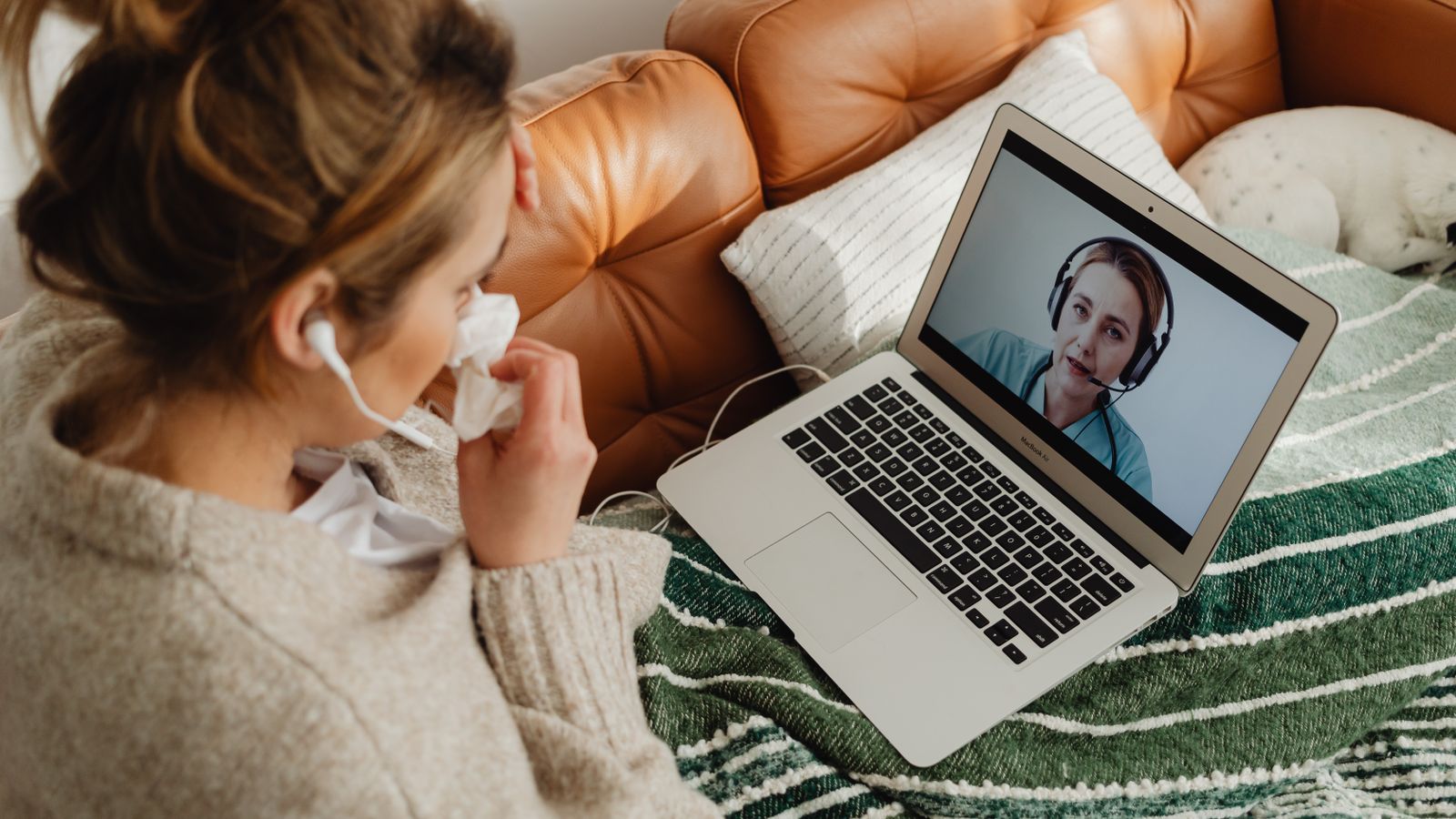
There's a moment in every growing eye care practice when someone finally says it out loud: the front desk can't do all of this. Not won't — can't. Call volume, verifications, confirmations, and follow-ups have expanded past what any counter team can absorb between patients. The remote front desk is the structural answer: move the phone-and-desk workload out of the lobby entirely, to a dedicated remote team member or team, and let the counter do counter work.
A dedicated virtual receptionist for eye care practices can answer every call, confirm appointments and keep the schedule full.
The architecture
A remote front desk isn't complicated, but the pieces matter:
- Call routing. Your main line rings to the remote receptionist's workstation — modern VoIP systems make this a settings change, not a hardware project. The in-office desk keeps an internal line for transfers that genuinely need the building.
- Live system access. The remote team works inside your actual PM system — scheduling, notes, patient records — with their own scoped credentials, so a booking made at 10:04 appears on your screen at 10:04.
- An escalation lane. A written protocol for the calls that must reach the building now: urgent symptoms per your triage rules, a doctor asking for the front desk, the patient standing at the counter mid-dispute. Everything else resolves remotely.
- A feedback rhythm. A daily end-of-day summary and a weekly numbers review keep the remote desk aligned with the building — fifteen minutes that prevent the drift that sinks sloppy implementations.
What the numbers look like
Practices running mature remote front desks hold themselves to benchmarks a lobby-bound desk can rarely sustain: answer rates north of ninety-five percent, voicemail nearly extinct during business hours, confirmations executed daily without exception, and every online booking reviewed the same day. None of these are heroic — they're just what happens when the phone is somebody's entire job. That's the whole insight, honestly. The rest is implementation.
What patients notice
Practices worry patients will sense something "off" about a remote receptionist. What patients actually report noticing: the phone gets answered. By a person. Who knows whether their VSP covers the fitting, can see the schedule, and books them without a callback. Patients have no idea where that person is sitting, and no reason to care — the same way nobody wonders where their bank's best phone agent sits. What patients would notice is the alternative they'd been living with: hold music, voicemail, and "someone will call you back."
The in-office experience changes too, in a direction patients feel without naming: the counter person is present. Eye contact, unhurried checkouts, an actual goodbye. Front-desk warmth turns out to have been a casualty of the phone all along.
The transition, step by step
Practices that switch cleanly do it in stages. First overflow: the remote desk catches what the lobby misses, for two to four weeks — low stakes while the remote team learns your practice's rhythm. Then inversion: the line rings remote first, with the lobby as backup. Then full ownership: phones, confirmations, verifications, and the online-booking review all live remotely, and the in-office desk's phone duties officially end. At each stage, the escalation protocol and the daily summary keep everyone honest about what's working.
The staged approach matters for the team, not just the tech. In-office staff who fear replacement discover, usually within the first week, that what's actually happening is relief — the job they were drowning in got split into two survivable ones. Our guide to receptionist duties covers that split in detail.
Is it right for your practice?
The remote front desk fits practices whose desk workload has outgrown their desk — usually visible as a poor answer rate, skipped confirmations, and a counter team in constant triage. It's overkill for a quiet single-doctor office where the phone rings ten times a day. Run your call volume against your staffing honestly, and if the math says two jobs are being done by one chair, you have your answer. We're glad to help you run that math on real numbers.